MS Word Practical Workplace Skills
MS Word Practical Workplace Skills
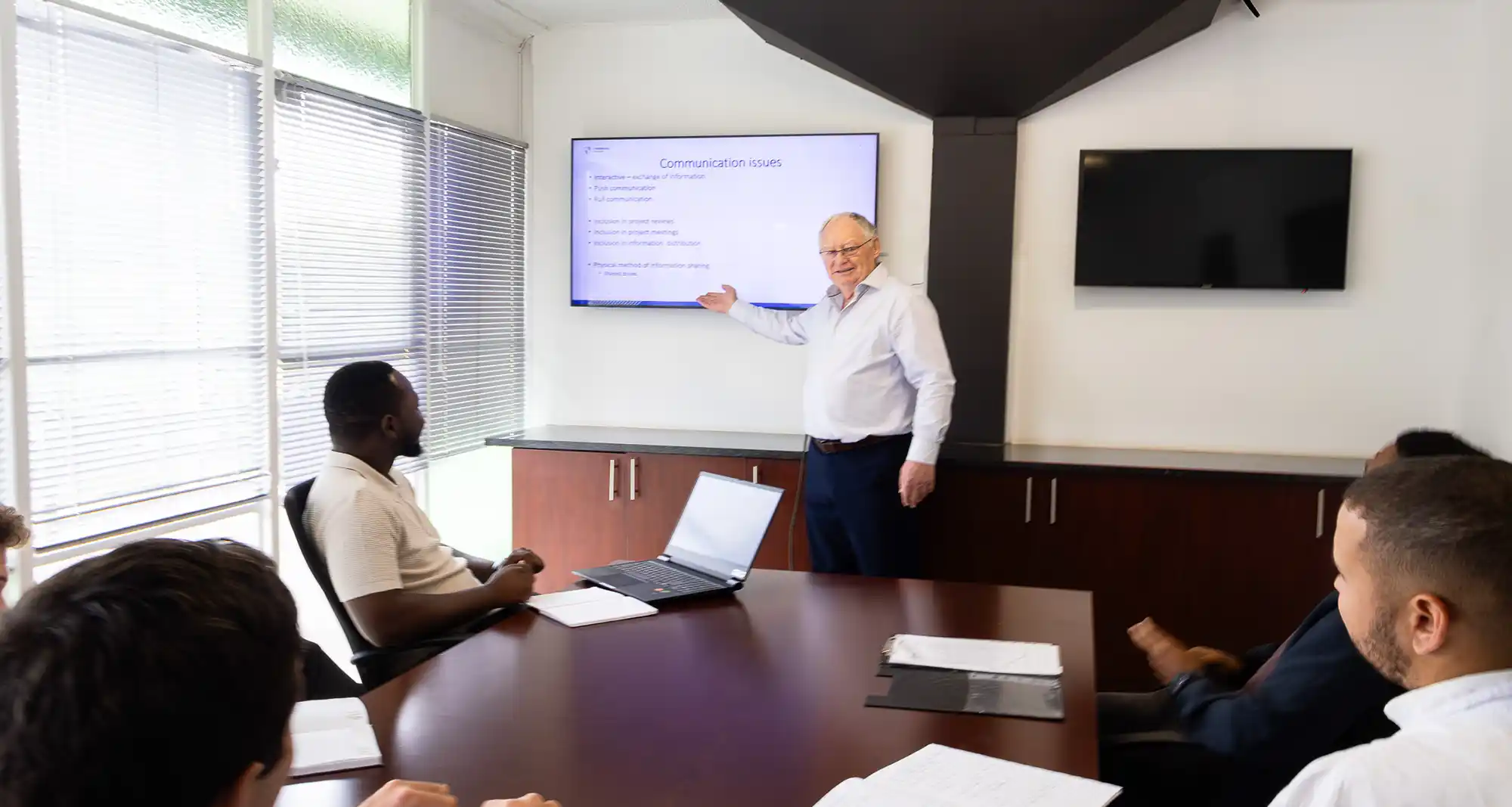
The Microsoft Word: Practical Workplace Skills course is designed for professionals who want to improve the quality, structure and consistency of their workplace documents. Delivered through practical, hands-on training, the course focuses on the essential Microsoft Word skills required to produce clear, professional and well-formatted documents efficiently.
Participants will learn how to structure and format documents correctly, work with styles and layouts, manage tables and visual elements and apply tools that improve consistency and productivity. The course also covers document review features, templates and formatting best practices commonly used in professional environments.
Delivered over 4 hours, the course combines guided instruction with practical exercises to help participants build confidence in using Microsoft Word more effectively in day-to-day workplace tasks. Participants receive a certificate of attendance, with in-person and online options available.
 Share
ShareCourse Info
What you’ll learn
- Understanding the Microsoft Word interface and core document functions.
- Applying professional text and paragraph formatting techniques.
- Structuring documents using page breaks, sections and layouts.
- Creating and managing bulleted, numbered and multilevel lists.
- Using styles to improve document consistency and navigation.
- Inserting and formatting tables, images and visual elements.
- Managing headers, footers, page numbering and automatic fields.
- Reviewing and proofreading documents using built-in tools.
- Applying formatting best practices for professional workplace documents.
- Producing clear, structured and well-formatted documents efficiently.
This course offers
Online
- 4 hours of virtual training
- Live virtual sessions via MS Teams, featuring real-time interaction using Slido
- E-certificate of completion
- Accessible on all standard mobile and PC devices with Wi-Fi access
In-Person
- In-person training may be arranged on request for 10 or more attendees
- Half-day workshop at Lynnwood Academy or at the client’s site
On Site
Contact us for a personalised quote

A course by

You get:
A certificate of attendance
Who this course is for:
- Administrative professionals and office staff.
- Engineers, consultants and technical professionals.
- Graduates and early-career professionals.
- Individuals responsible for preparing workplace documents and reports.
- Professionals seeking to improve document formatting, structure and consistency.
| Course Date | DELIVERY METHOD | COURSE FEE | SECURE YOUR SPOT |
|---|---|---|---|
| COURSE DATES COMING SOON | |||
Course Content
9 Discussion Points | 4 hours total length
Getting Started and Interface Basics
- Understanding the Microsoft Word interface.
- Creating, saving, and navigating documents.
- Using search and help tools effectively.
- Selecting and navigating text efficiently.
Core Text Editing and Formatting
- Editing text using cut, copy, paste, and undo functions.
- Applying character and paragraph formatting.
- Using spacing, alignment, indentation, and tabs effectively.
- Using Find and Replace tools efficiently.
Document Structure and Layout Control
- Understanding page breaks and section breaks.
- Managing margins, orientation, and page layout settings.
- Controlling document appearance professionally.
- Applying borders and shading selectively for emphasis.
Working with Lists and Structured Content
- Creating bulleted and numbered lists.
- Applying multilevel lists for structured documents.
- Organising content logically for readability and clarity.
Styles and Document Consistency
- Understanding the purpose and importance of styles.
- Applying built-in styles correctly.
- Modifying styles for consistency across documents.
- Linking styles to document structure and navigation.
Tables, Graphic Objects, and Visual Elements
- Inserting and formatting tables.
- Working with images, shapes, and graphic objects.
- Managing text wrapping and layout positioning.
- Creating text boxes and visual emphasis elements.
Headers, Footers, and Page Elements
- Adding headers and footers.
- Managing page numbering.
- Using automatic fields such as dates and file names.
- Introduction to footnotes and endnotes.
Document Management and Productivity Tools
- Working with multiple documents.
- Using templates effectively.
- Understanding automatic fields and document tools.
- Applying document organisation best practices.
Proofing and Review
- Using spelling and grammar tools effectively.
- Reviewing and proofreading documents professionally.
- Applying comments and feedback tools.
- Managing Track Changes and document revisions.
Practical Capstone Exercise
- Formatting a poorly structured document.
- Applying styles correctly.
- Inserting tables and images.
- Managing headers, footers, and page numbering.
- Producing a clear and professional final document.
Wrap-Up and Best Practices
- Common Microsoft Word mistakes to avoid.
- Improving efficiency and consistency in document preparation.
- Understanding the importance of structure in professional documents.
About this course
This course provides practical training in Microsoft Word for professionals who prepare, edit or manage workplace documents. It focuses on developing the skills required to produce clear, consistent and professionally formatted documents commonly used in business and technical environments.
Participants will engage in hands-on exercises covering document formatting, styles, layouts, tables, visual elements, review tools and document management features. Particular emphasis is placed on document structure, formatting consistency and efficient workflow practices that improve the readability and presentation of professional documents.
By the end of the course, participants will have greater confidence in using Microsoft Word to create structured, well-formatted documents suitable for workplace, administrative and technical environments.